
Multi-Platform Video Publishing Challenges
If you publish video content across multiple platforms simultaneously — TikTok, Instagram Reels, YouTube Shorts, and long-form YouTube — you’ve encountered a specific problem that most editing tutorials don’t address: what works for one platform actively hurts performance on another.
The compression pipelines are different. The algorithm signals are different. A file that looks clean on your editing monitor can arrive at TikTok looking crunchy, arrive at Instagram with shifted colours, and arrive at YouTube looking noticeably softer than the same content uploaded at 4K. These aren’t random quality degradations — they’re predictable consequences of specific technical decisions made at export time. And they’re fixable, once you know what you’re actually dealing with.
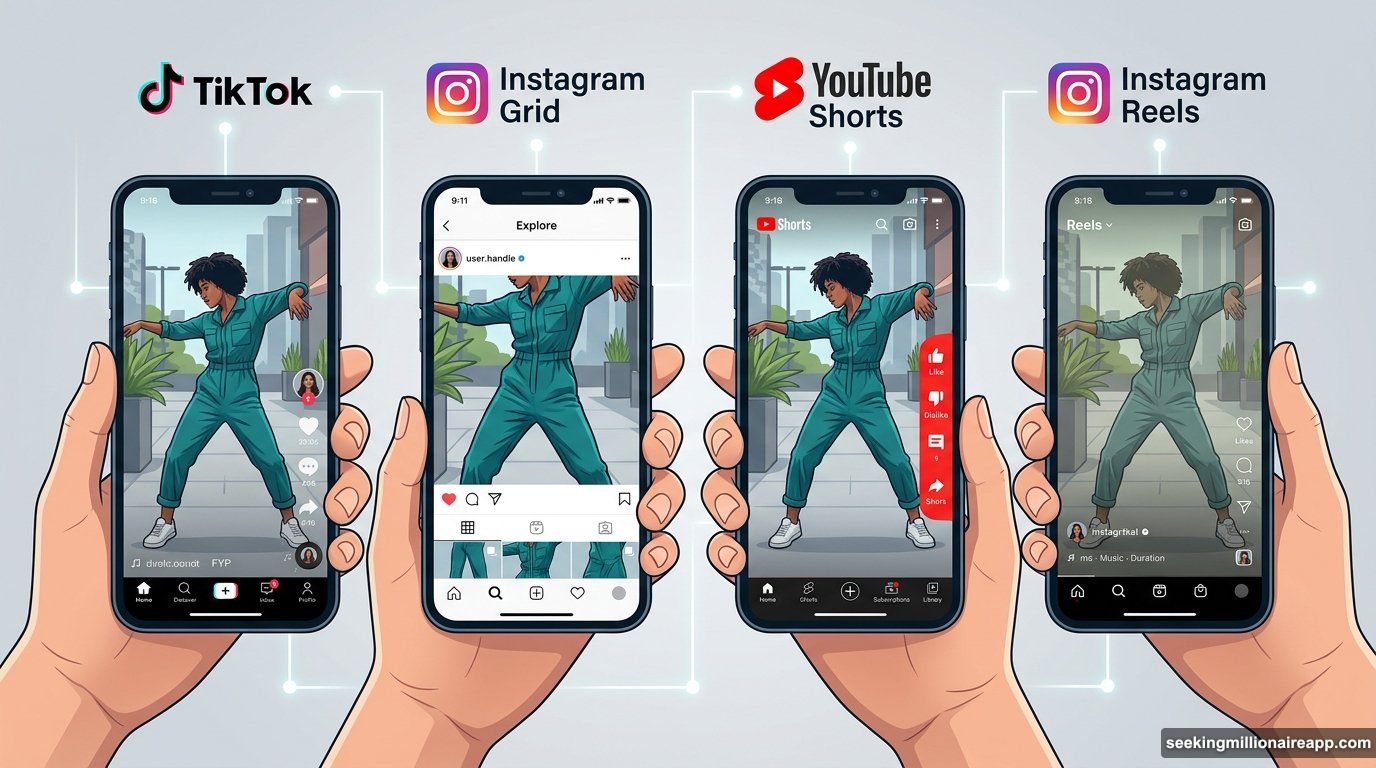
ClipToolkit’s Comprehensive Platform Coverage
This is the territory that ClipToolkit covers in practical depth. The site focuses on music video production and short-form content creation, and its technical reference material has been updated to reflect platform behaviour as of early 2026 rather than recycling export advice from three years ago.
Platform-Specific Technical Specifications
The platform specifications content is unusually comprehensive. The aspect ratio guide covers not just the basic 9:16 versus 16:9 distinction, but the specific consequences of getting it wrong: TikTok reads non-native video dimensions as cross-posted content and reduces distribution accordingly, Instagram crops Reels to 1:1 for the profile grid so visuals placed at the top or bottom of the frame disappear in the thumbnail, and YouTube Shorts requires exactly 1080×1920 pixels because non-standard ratios like 9:18 produced by some phone cameras get cropped on upload in ways that clip text and graphics. The safe zone coordinates for each platform are specific enough to actually apply — not vague warnings about “staying away from the edges.”
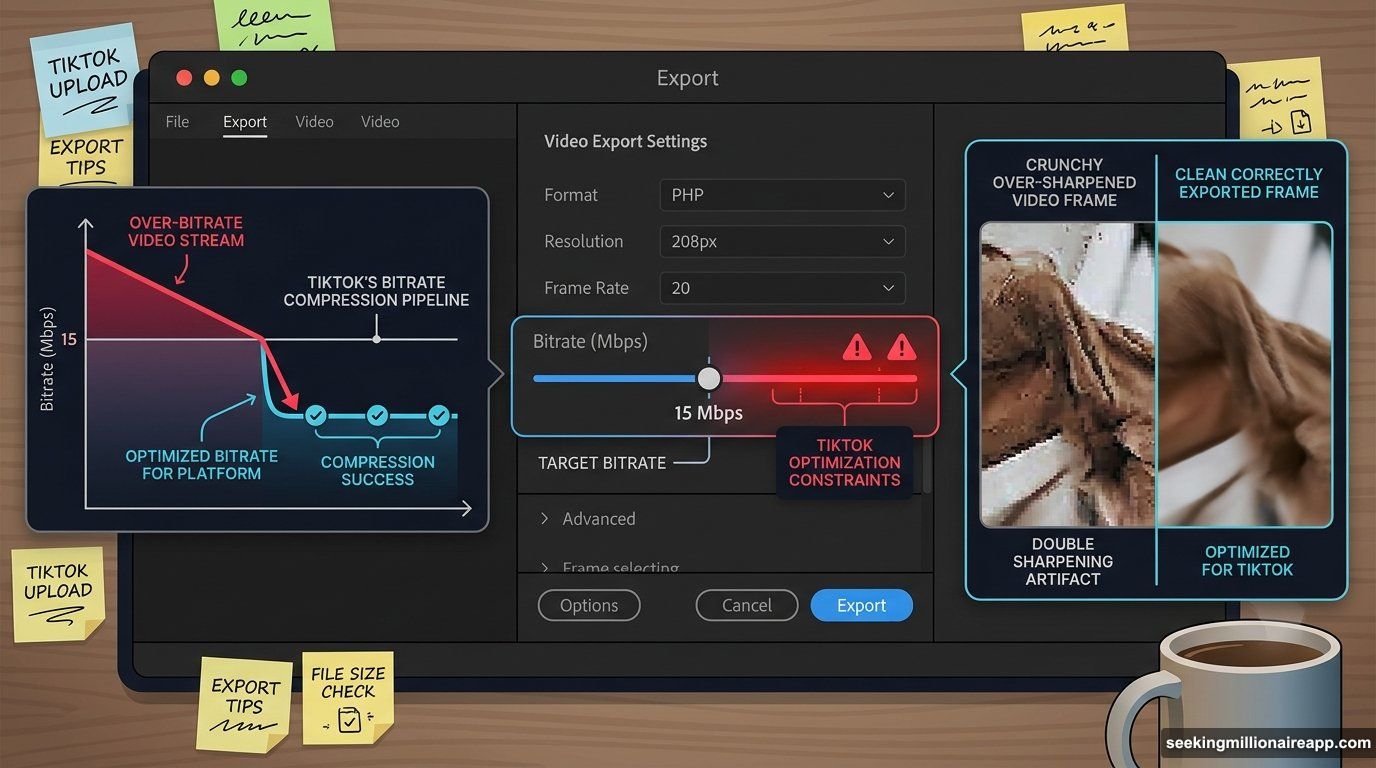
The export settings content goes deeper than most resources are willing to. It explains the relationship between bitrate and what survives recompression (there’s a ceiling around 15 Mbps for TikTok above which additional bitrate gets crushed back down anyway), the specific problem of double sharpening when you apply sharpening in your grade and then the platform applies its own pass on upload, and the colour space tagging issue that causes colours to shift between your monitor and the final upload. It covers these topics for DaVinci Resolve, Premiere Pro, CapCut desktop, and Final Cut Pro separately, with specific menu paths rather than generic advice.
Real-World Testing Over Official Documentation
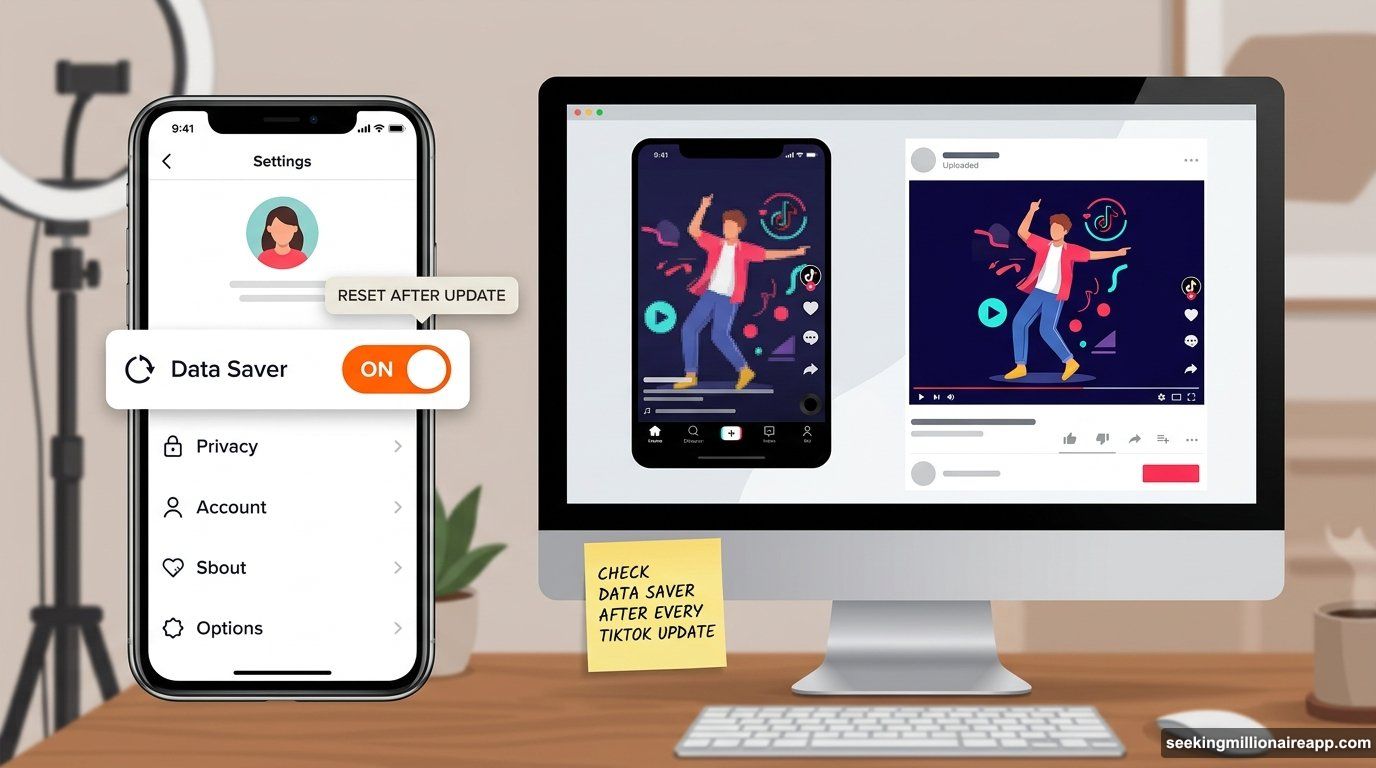
What’s notable about the technical content is that it’s sourced from actual platform behaviour rather than just official documentation. The observation about TikTok’s Data Saver toggle resetting after app updates — silently defaulting to compressed uploads without the creator knowing — is the kind of detail that comes from running into the problem rather than reading a spec sheet. The recommendation to upload Instagram Reels through the mobile app rather than Creator Studio because the compression pipeline is less aggressive comes from comparing outputs rather than from Instagram’s own guidelines, which don’t mention it.
The site also covers the adjacent decision-making that affects technical outcomes: why 60fps on Instagram produces worse results than 30fps (the platform compresses to under 15MB, and 60fps files at adequate bitrate exceed that threshold before recompression), why uploading 4K to TikTok is counterproductive even if you have 4K source footage (the platform downgrades to 1080p on upload and the downscale adds a second compression pass), and why YouTube’s 4K encode is worth using even if your viewers are on 1080p screens (YouTube allocates more bitrate to the encode when the source is 4K, producing cleaner output at all resolution tiers).
Strategic Technical Decision Making
For software-focused publications and audiences, the value of this content is practical rather than theoretical. These are the problems that show up in production workflows daily, and the solutions are specific enough to apply immediately.
The aspect ratio guide is the most comprehensive text-based resource currently available for cross-platform video specifications, covering TikTok, Instagram Reels, Instagram Stories, Instagram Feed, YouTube Shorts, YouTube long-form, LinkedIn, and Facebook with exact dimensions and documented consequences. The export settings reference is specific enough to function as a pre-upload checklist.
For any creator or editor working across platforms in 2026, getting the technical foundation right is the difference between content that performs and content that looks like it was made for somewhere else. ClipToolkit is one of the few text resources keeping pace with how these platforms actually behave.