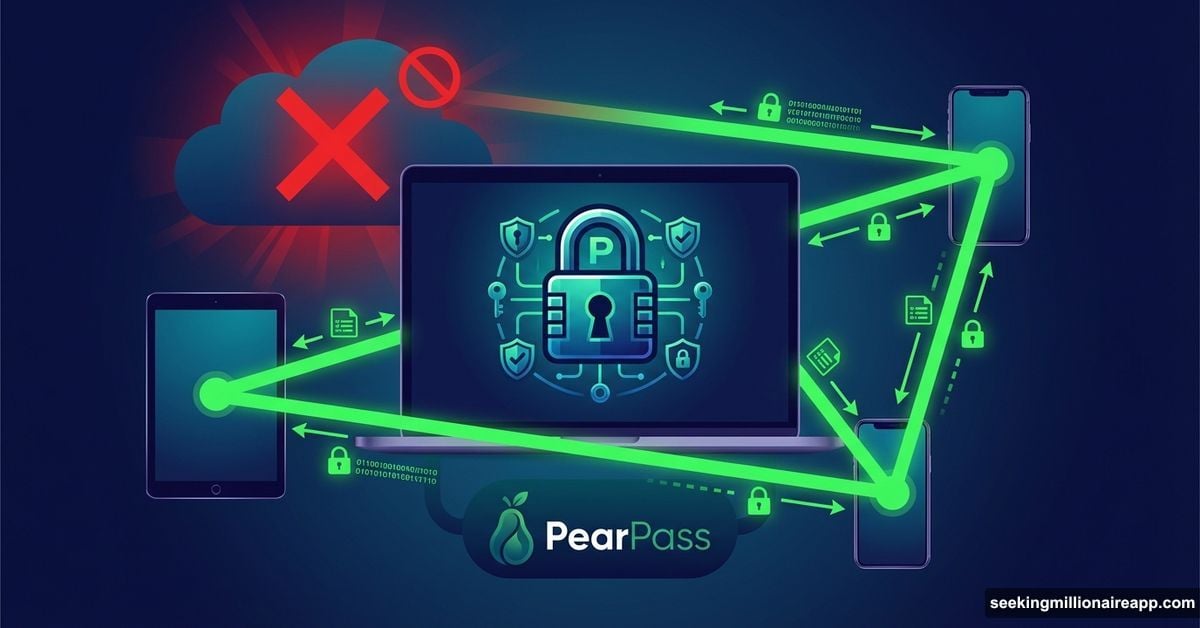
Cloud password managers just got hit with a serious challenge. Tether launched PearPass, a peer-to-peer password manager that ditches cloud storage entirely.
Your credentials stay on your devices. No central servers. No third-party access. Just encrypted, peer-to-peer synchronization between devices you control.
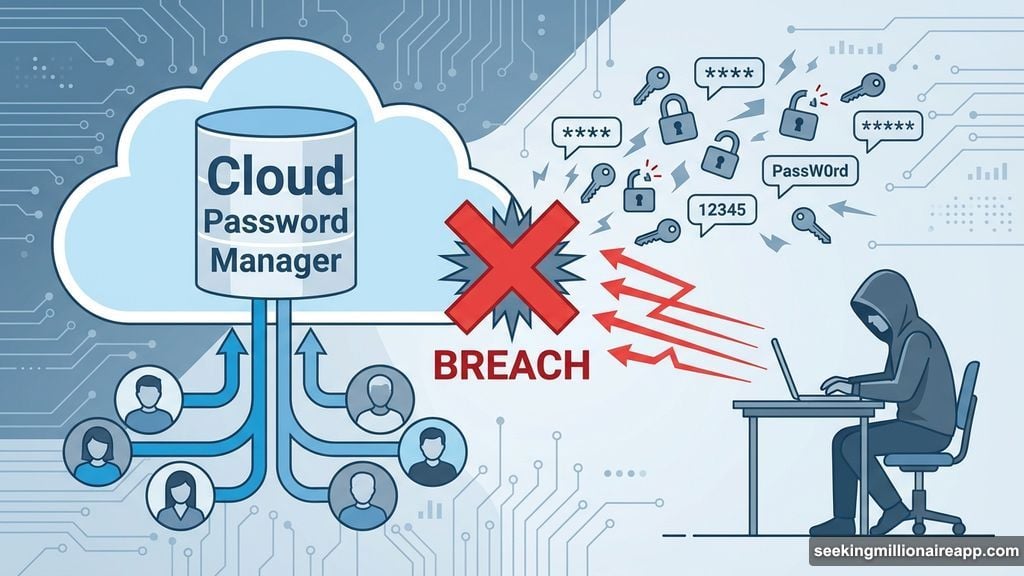
This matters because billions of login credentials leaked from cloud breaches recently. Traditional password managers store everything in centralized databases. That makes them attractive targets for hackers. One breach exposes millions of users.
Why Cloud Storage Became a Liability
Cloud-based password managers promised convenience. Store credentials once. Access them anywhere. Sounds perfect.
But that convenience created a massive security problem. Every major password manager breach follows the same pattern. Hackers target the central database. Once they break in, they access everyone’s passwords at once.
Plus, centralized storage means trusting a company with your most sensitive data. That company decides security policies. They control access. They can be compelled to hand over data to governments or law enforcement.
Recent breaches exposed the scale of this problem. Billions of login credentials leaked from major platforms. Users face identity theft, financial loss, and compromised accounts. Yet most people keep using the same cloud-based managers because alternatives seemed worse.
PearPass Removes the Central Target
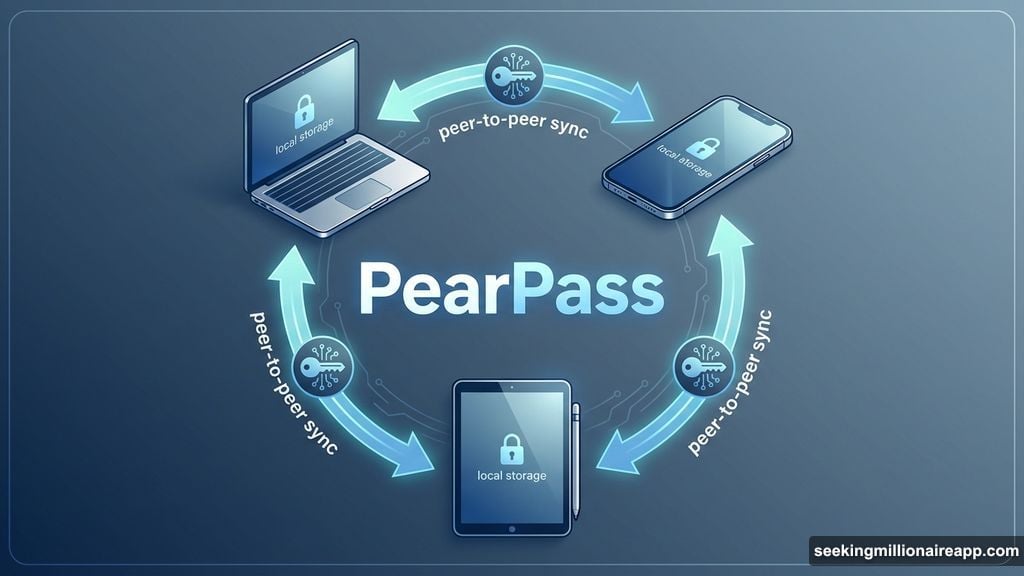
Tether’s approach eliminates the central database entirely. PearPass stores all credentials locally on your devices. When you add a new device, encrypted data syncs peer-to-peer between your devices. No cloud servers. No intermediaries.
“Every major breach proves the same point: if your secrets live in the cloud, they’re not really yours,” Tether CEO Paolo Ardoino explained. “PearPass removes the single point of failure. No servers, no intermediaries, no back doors.”
The system uses end-to-end encryption powered by open-source cryptography. Recovery happens through private keys you control. If you lose access, no company can help you recover. But that also means no company can be hacked to expose your data.
Secfault Security, a firm specializing in offensive security and cryptographic analysis, audited PearPass independently. The platform is fully open-source. Security experts and users can inspect the code, verify security claims, and contribute improvements.
The Features That Matter
PearPass includes practical security tools most users need. A built-in password generator creates strong, unique passwords for every account. The peer-to-peer architecture means synchronization happens directly between your devices without touching external servers.
Open-source code allows community auditing. Anyone can review the security implementation. This transparency contrasts sharply with proprietary password managers where security depends on trusting the company’s private code.
End-to-end encryption ensures data stays encrypted during transmission and storage. Even if someone intercepts the peer-to-peer sync, they can’t decrypt your credentials without your private keys.
User-controlled recovery removes dependency on external systems. You manage your own keys. This puts security entirely in your hands. But it also means losing your keys means losing everything permanently.
The Adoption Challenges Nobody Mentions
PeerPass sounds great in theory. But real-world adoption faces serious obstacles.
First, convenience takes a hit. Cloud-based managers work seamlessly across devices. Install an app or browser extension. Your passwords appear instantly. PearPass requires manual setup for peer-to-peer syncing between devices you control.
Second, key management becomes your responsibility. Most people struggle with this. Lose your private keys? Your passwords are gone forever. No customer service can help. No reset email. No recovery process. That terrifies non-technical users.
Third, device security matters more than ever. PearPass protects against cloud breaches. But it can’t prevent local device hacking. If malware infects your phone or laptop, attackers can access your locally stored passwords. Physical theft also becomes a bigger risk since everything lives on your devices.
Fourth, peer-to-peer synchronization introduces complexity. Network latency can delay updates. Synchronization errors might cause conflicts. If the peer network isn’t properly secured, it could introduce attack vectors that centralized systems avoid.
Fifth, mainstream users prefer integration. Chrome, Safari, and Firefox offer built-in password managers. They auto-fill credentials. They sync across devices automatically. PearPass requires users to change habits and accept reduced convenience for better security.
Real-World Security Tradeoffs
No system eliminates all risks. PearPass shifts vulnerabilities rather than eliminating them.
Cloud breaches disappear as a concern. But local device security becomes critical. Most people don’t properly secure their phones and laptops. Weak lock screens, outdated software, and no antivirus leave devices vulnerable. PearPass can’t fix that.
Key management challenges replace password reset processes. Forget your master password with LastPass? Reset via email. Lose your PearPass keys? Start over completely. That permanence scares many users.
Peer-to-peer networks sound decentralized and safe. However, they’re less tested than cloud infrastructure. Unknown bugs might exist. Performance issues could frustrate users. Edge cases might expose unexpected security flaws.
Open-source auditing helps catch problems. But it requires active community participation. If users don’t regularly audit updates, vulnerabilities could slip through. Secfault Security’s audit provides initial confidence. Ongoing security depends on continued scrutiny.
The Bigger Picture for Password Security
PearPass represents Tether’s broader strategy around decentralization. The company builds technologies resistant to centralized control. As governments and corporations demand backdoors into encrypted systems, alternatives like PearPass offer independence.
This launch arrives as regulatory pressure on tech companies intensifies. Governments worldwide push for access to encrypted communications and stored data. Centralized password managers face pressure to comply. Decentralized systems can’t be forced to hand over data they never possess.
However, regulatory challenges might emerge. Some jurisdictions restrict encryption technologies or require companies to maintain access capabilities. PearPass’s peer-to-peer nature might protect it initially. But increased adoption could trigger regulatory attention.
The broader password management market remains dominated by cloud-based solutions. LastPass, 1Password, Dashlane, and Bitwarden serve millions of users. They offer polish, convenience, and extensive browser integration. PearPass needs to overcome massive network effects and user habits.
Yet the security argument resonates strongly after recent breaches. Users increasingly question whether convenience justifies centralized risk. PearPass positions itself as the security-first alternative for users willing to sacrifice some convenience.
Should You Switch Now?
The decision depends on your threat model and technical comfort.
If you face high-risk scenarios—activism, journalism, sensitive work—PearPass makes sense. The elimination of cloud storage removes a major attack vector. Local-only storage protects against mass breaches.
But if you’re a typical consumer prioritizing convenience, established cloud managers still work fine. They offer better device integration, easier recovery, and more polished user experiences. The risk of a breach exists. But for most people, the convenience tradeoff favors traditional options.
Technical users comfortable managing keys and accepting recovery risks should consider PearPass. The open-source code, peer-to-peer architecture, and elimination of cloud dependencies offer compelling security benefits.
Non-technical users might find PearPass intimidating. Key management requires discipline. Recovery failures are permanent. The learning curve exceeds mainstream password managers. Wait for more user-friendly features before switching.
PearPass won’t replace cloud-based managers overnight. But it introduces meaningful competition to a market dominated by centralized solutions. That competition pushes the entire industry toward better security practices. Even if you don’t switch, you benefit from the pressure PearPass creates.